













CT · FROM FINDINGS TO REPORT
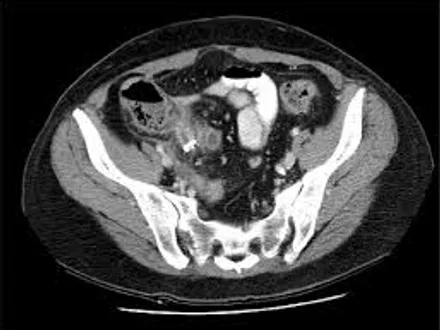
Lumbosacral spine
Choose the exam. Organize the findings. Review every detail.
Explore CT templates in the original Radiology AI Report engine, with room to work and structure at your side.
- 01Choose the exam
- 02Enter findings and measurements
- 03Review the report
CT / TC
Which CT exam are you reporting?
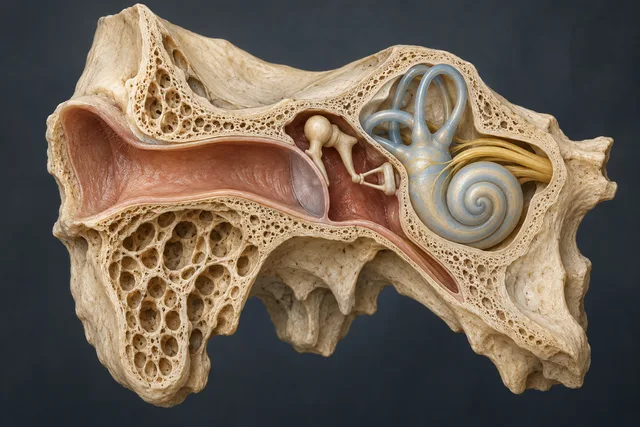
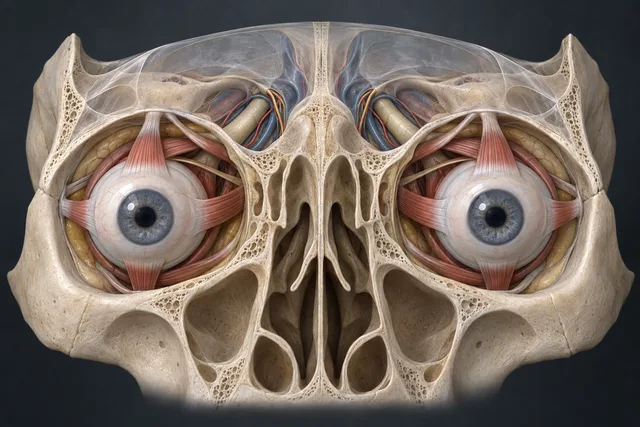
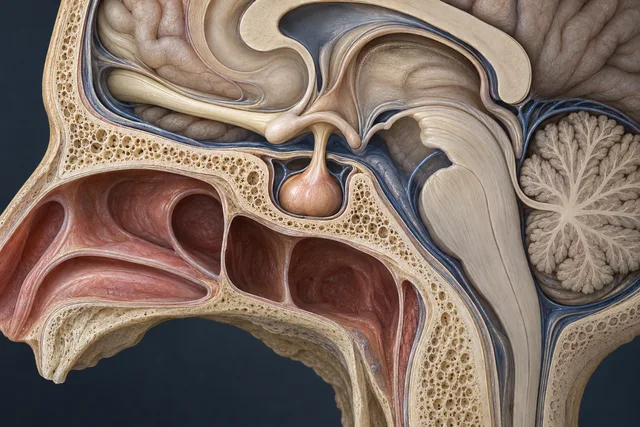
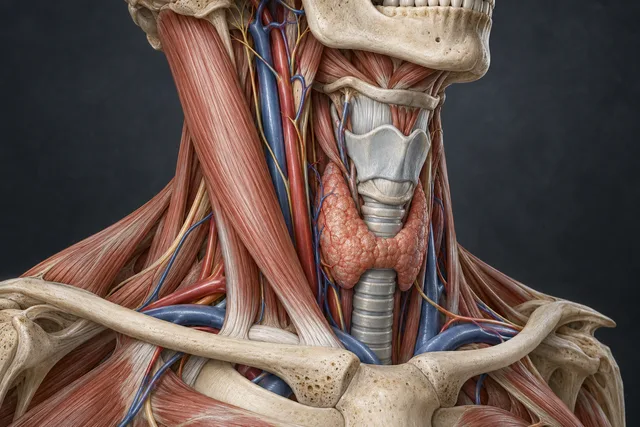
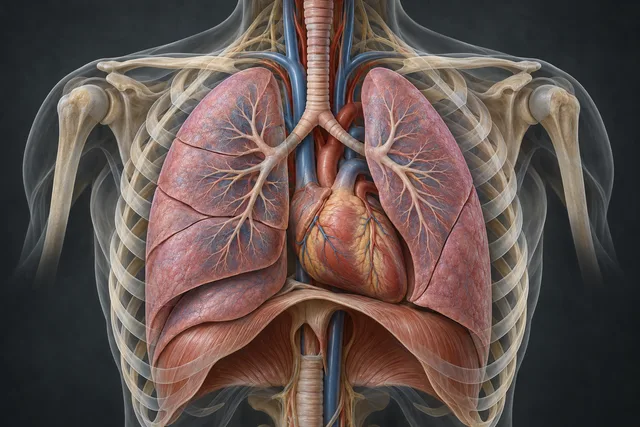
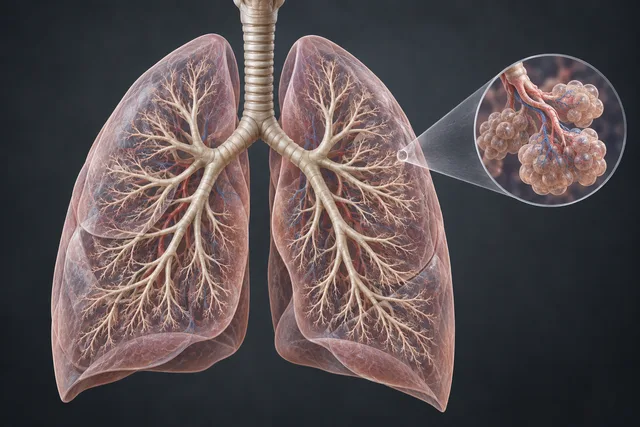
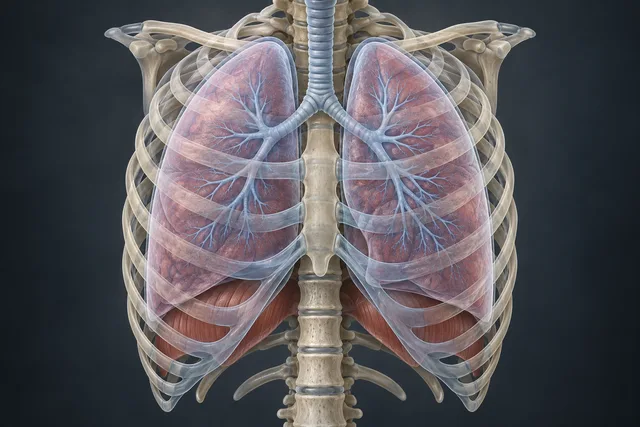
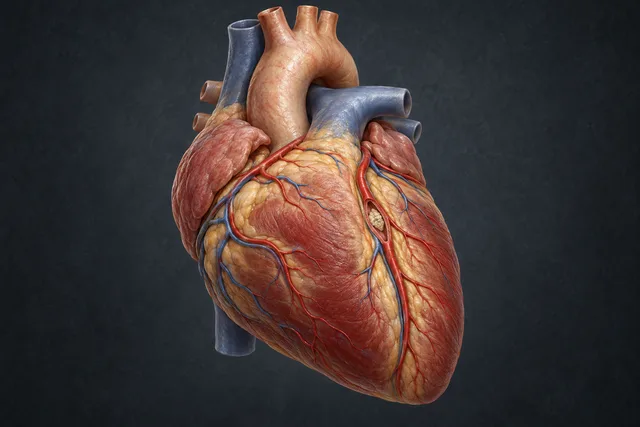
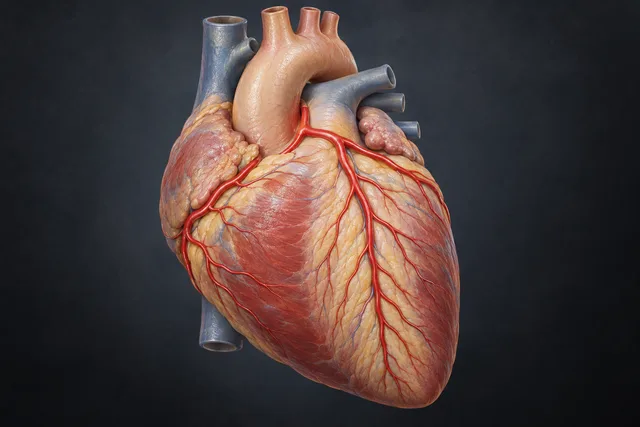
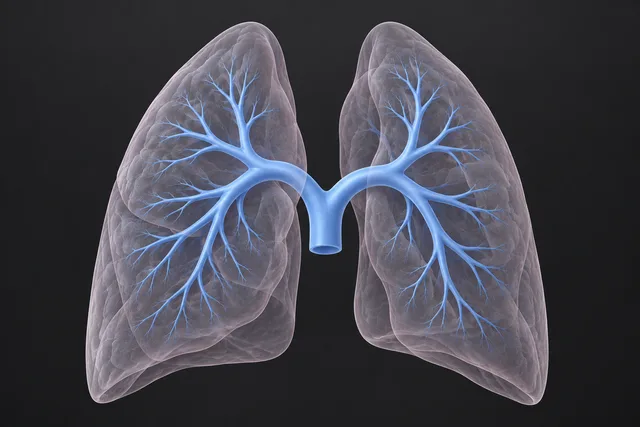
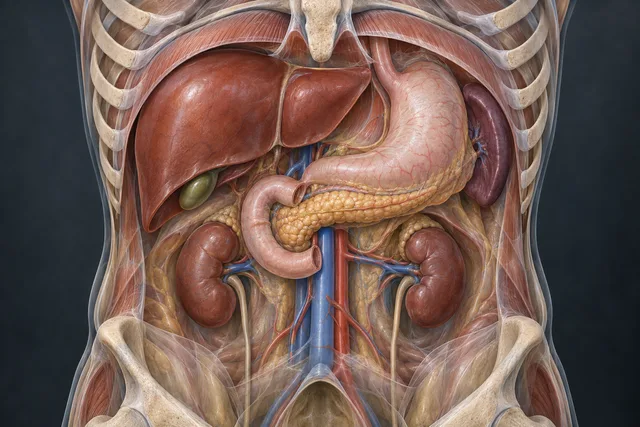
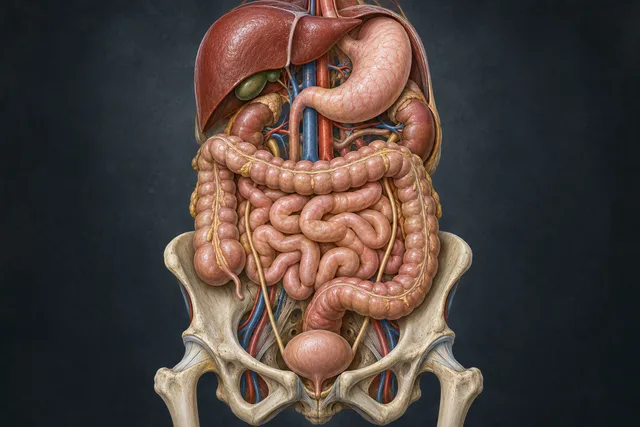
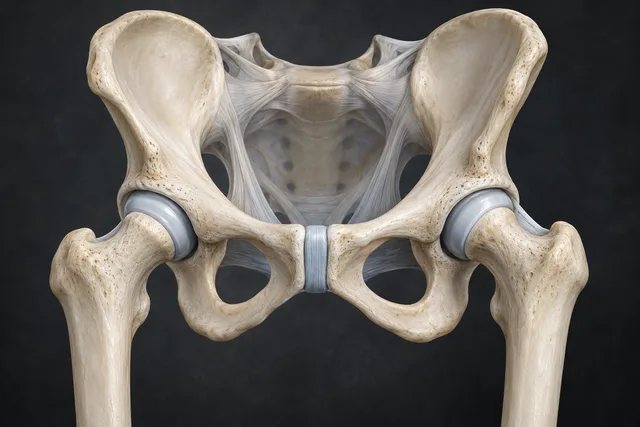
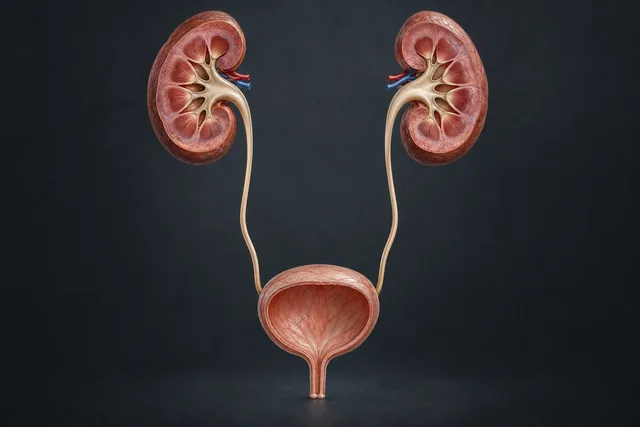
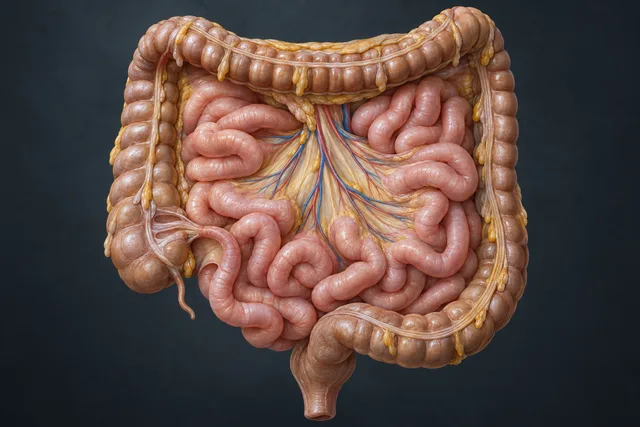
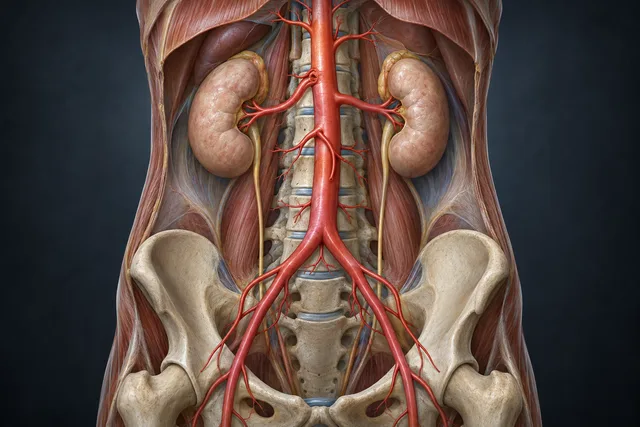
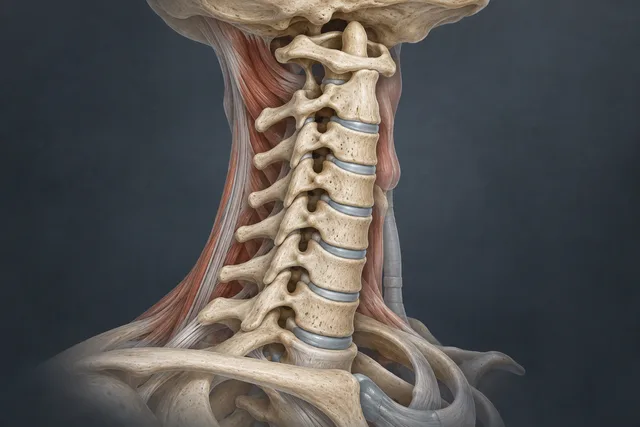
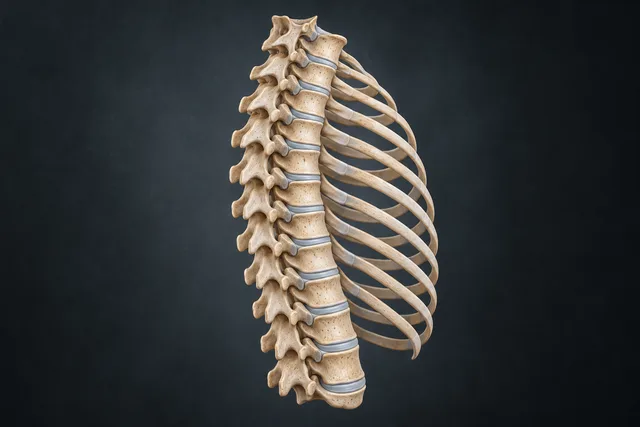
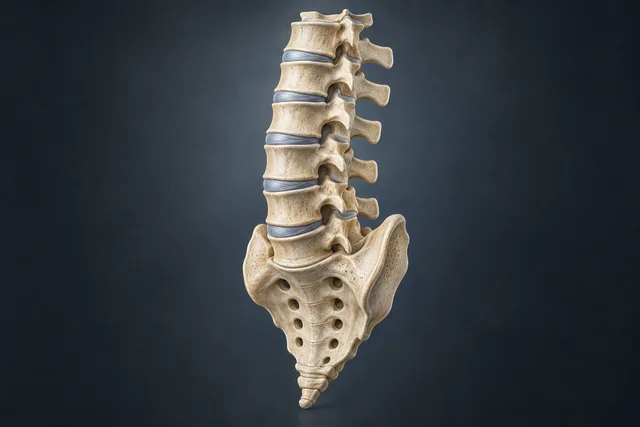
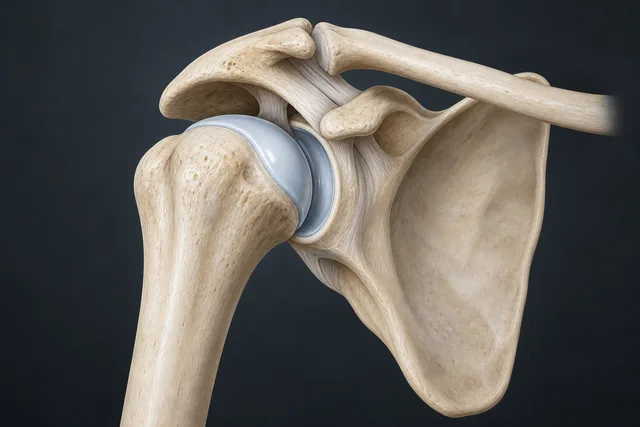
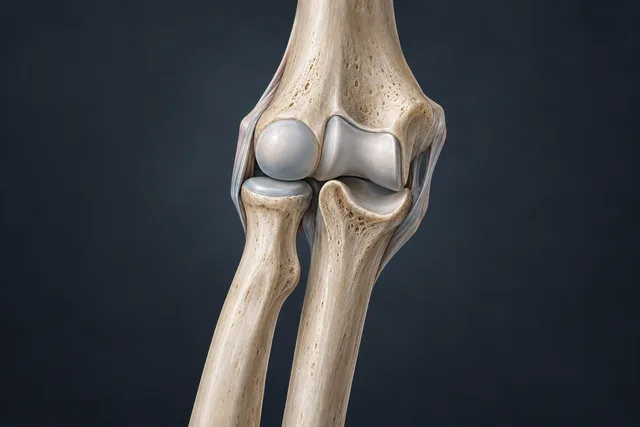
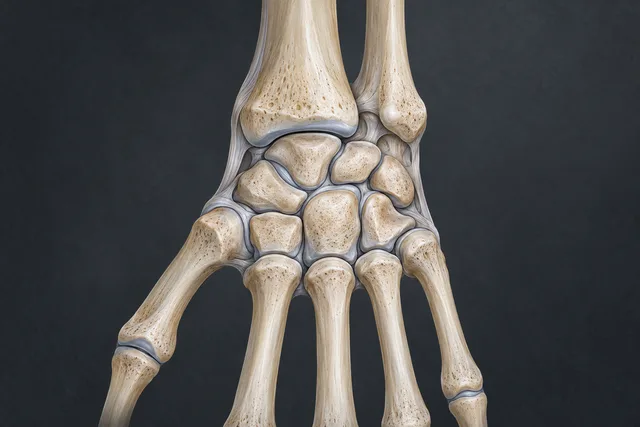
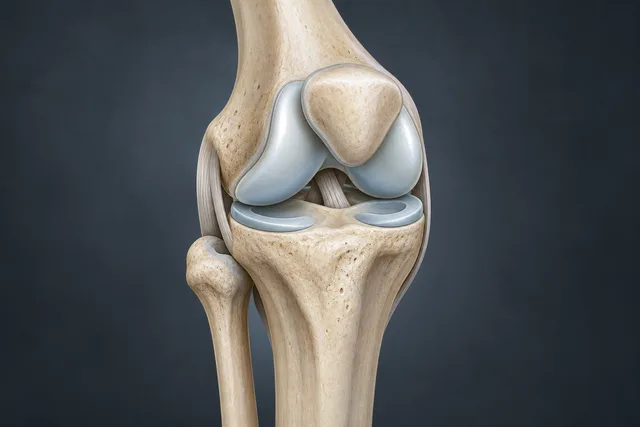
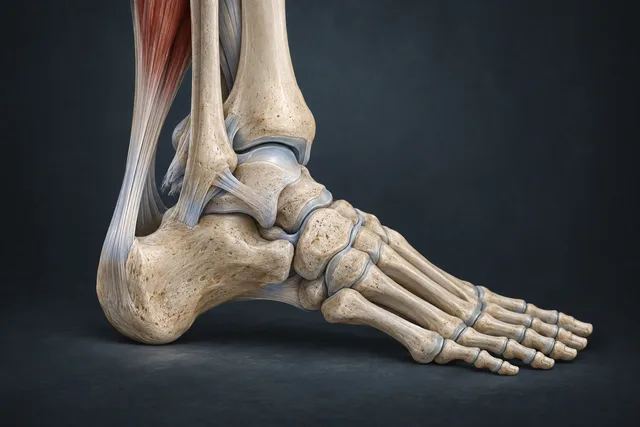
No exams found. Try another word.
TOMO AI REPORT
Select findings and enter measurements. Use Copy and finish in the editor. Review before use.
Loading the original editor…
Editor not loading? Open the original tool ↗Your report has been copied.
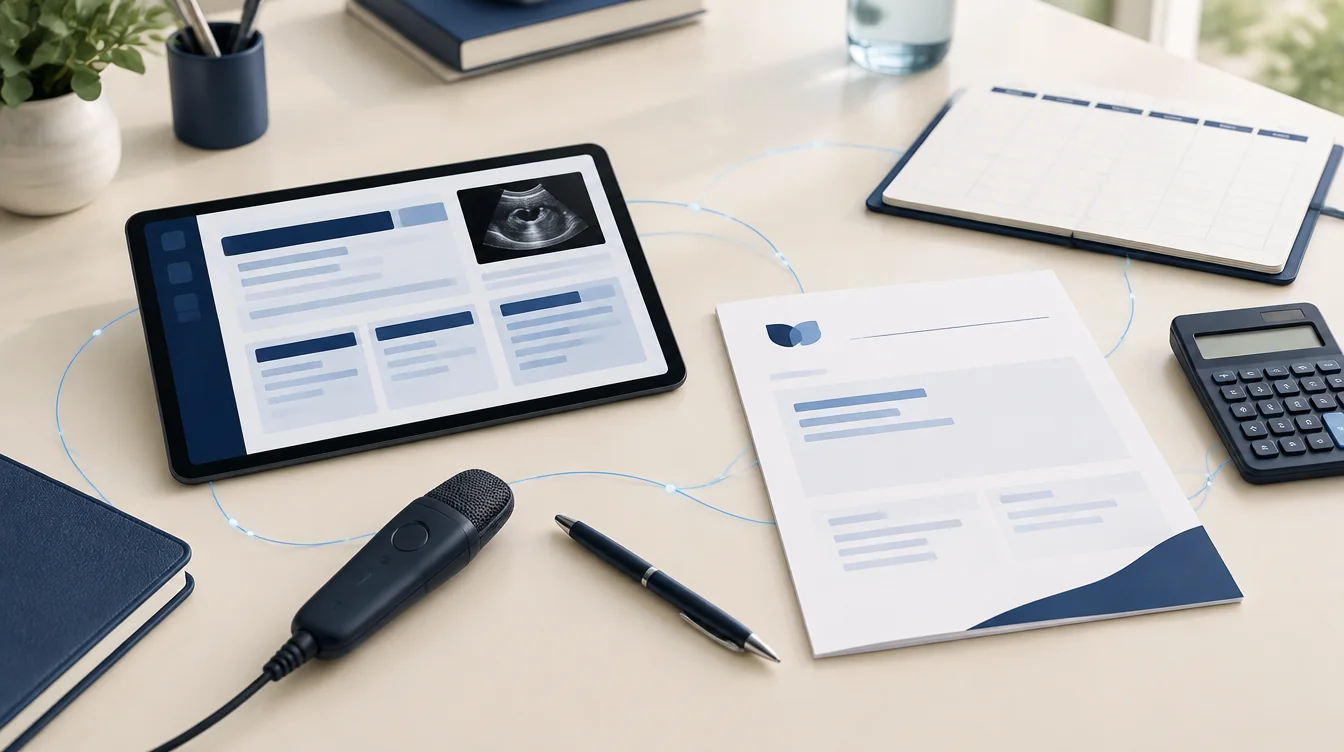
Explore the full platform: custom templates, AI dictation, five imaging modalities, patient records and PDF export.
Next, explore the platform. Your report is on the clipboard; it has not been saved to an account.
Continue on the platform → ↗CT / TC · RADIOLOGY AI REPORT
From your voice.
To a report ready to review.
Choose a model and dictate an example with findings and measurements. The same recorder as the platform, right here on the landing page.
3 tests · up to 60 s each
Live dictation and SpeechMike
01 / 02 / 03
A workflow for your reading.
Start with the template for the examination performed. Work through findings and measurements in the editor and check the text before finishing.
- 01
Choose the exam
- 02
Enter findings and measurements
- 03
Review the report
Sources for your reading.
Consult the official references. Links open external websites in the language provided by the source.
TOMOVUE / DICOM
See the images. Explore every plane.
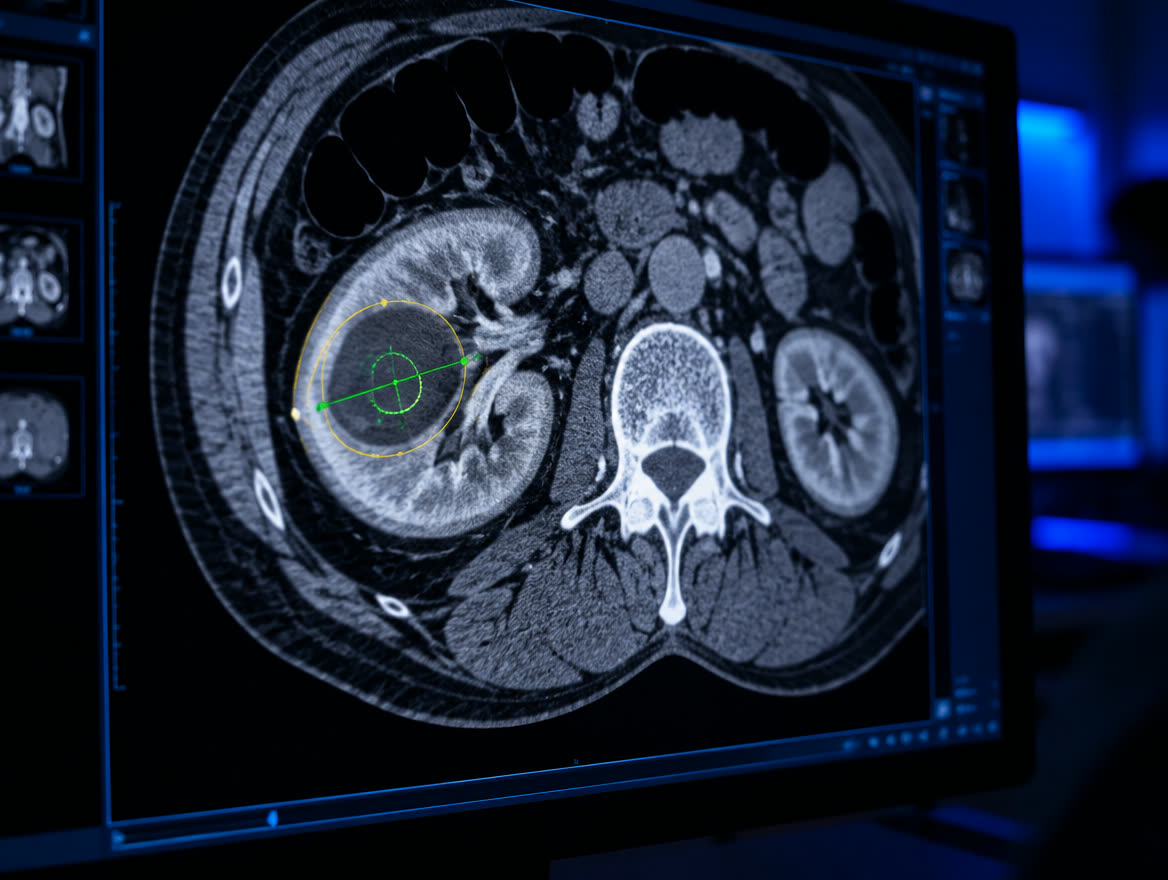
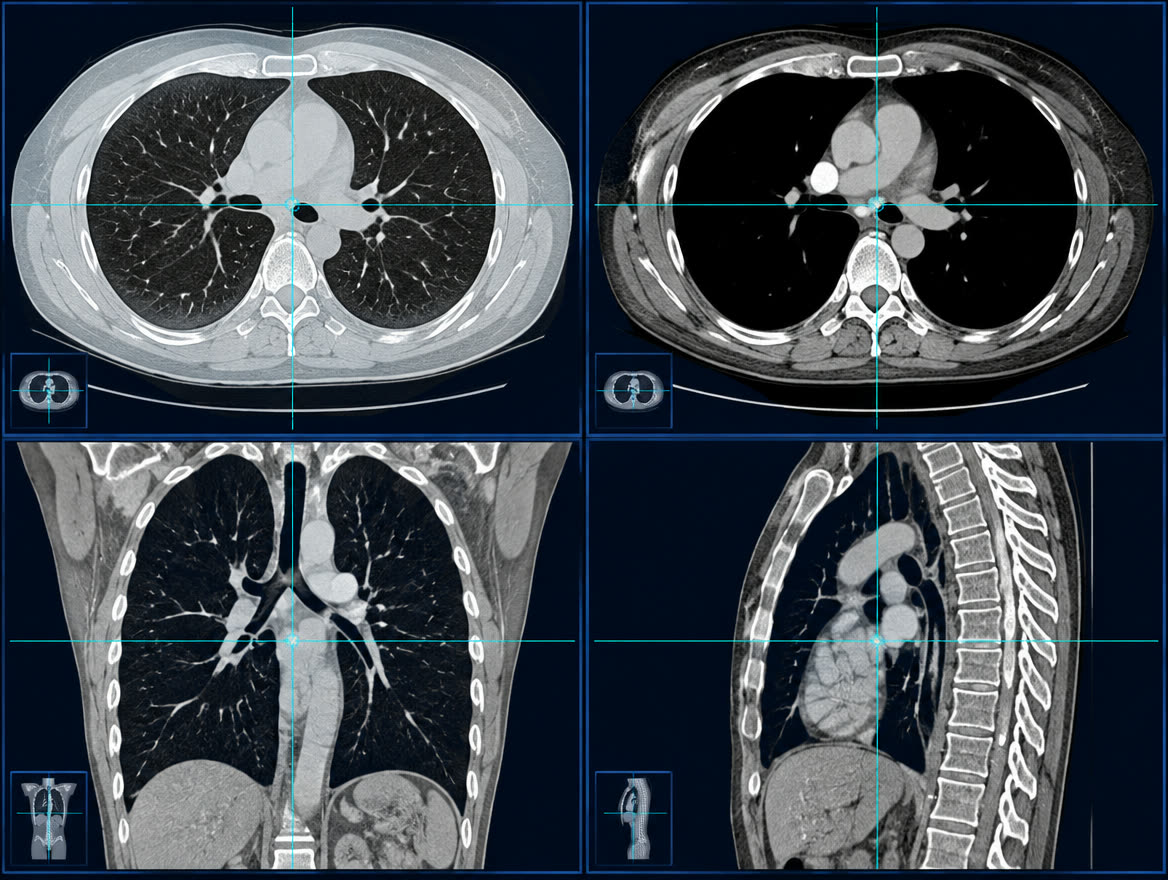
TomoVue, the DICOM viewer in the Radiology AI Report family. Open studies in your browser, explore reconstructions and take measurements.
- MPR and 3D reconstructions
- Measurements and regions of interest
- Series and phases side by side
Use the same platform account, including without a subscription. The viewer opens in TomoVue.
Real recording · synthetic phantom · slice navigation and window adjustment · Portuguese interface
RADIOLOGY AI REPORT
Make the workflow your own.
Explore the full platform: custom templates, AI dictation, five imaging modalities, patient records and PDF export.
Explore the platform ↗
RADIOLOGY AI REPORT / SONO AI REPORT
Your next step. Your way of reporting.
Enjoyed the tools? Bring this experience into your daily work.
- Want to generate reports from dictation, use live dictation with SpeechMike and voice commands, or fill modules by speaking?
- Want your own ultrasound templates and phrases, with calculators at hand?
- Want PDFs with your clinic’s identity?
- Want patient records and access to previous exams?
- Want templates with obstetric calculations and pediatric pelvic references?
- Want descriptions, conclusions and classifications to take shape automatically as you enter your findings? TI-RADS, O-RADS, BI-RADS, Graf angles and Hadlock calculations, in supported templates.
- Want to track your schedule, fees and exam types by period?
- Want to translate modular reports into 14 languages?
Have an idea? Send the developer a suggestion through the platform.
Want to follow the new anatomy and case archive? In development; no release date yet.